REAPER Script · Audio Conversion
Slice
Batch-convert multichannel audio to any speaker format: downmix, isolate, or decode ambisonics.
Also available as part of the Temper Bundle.
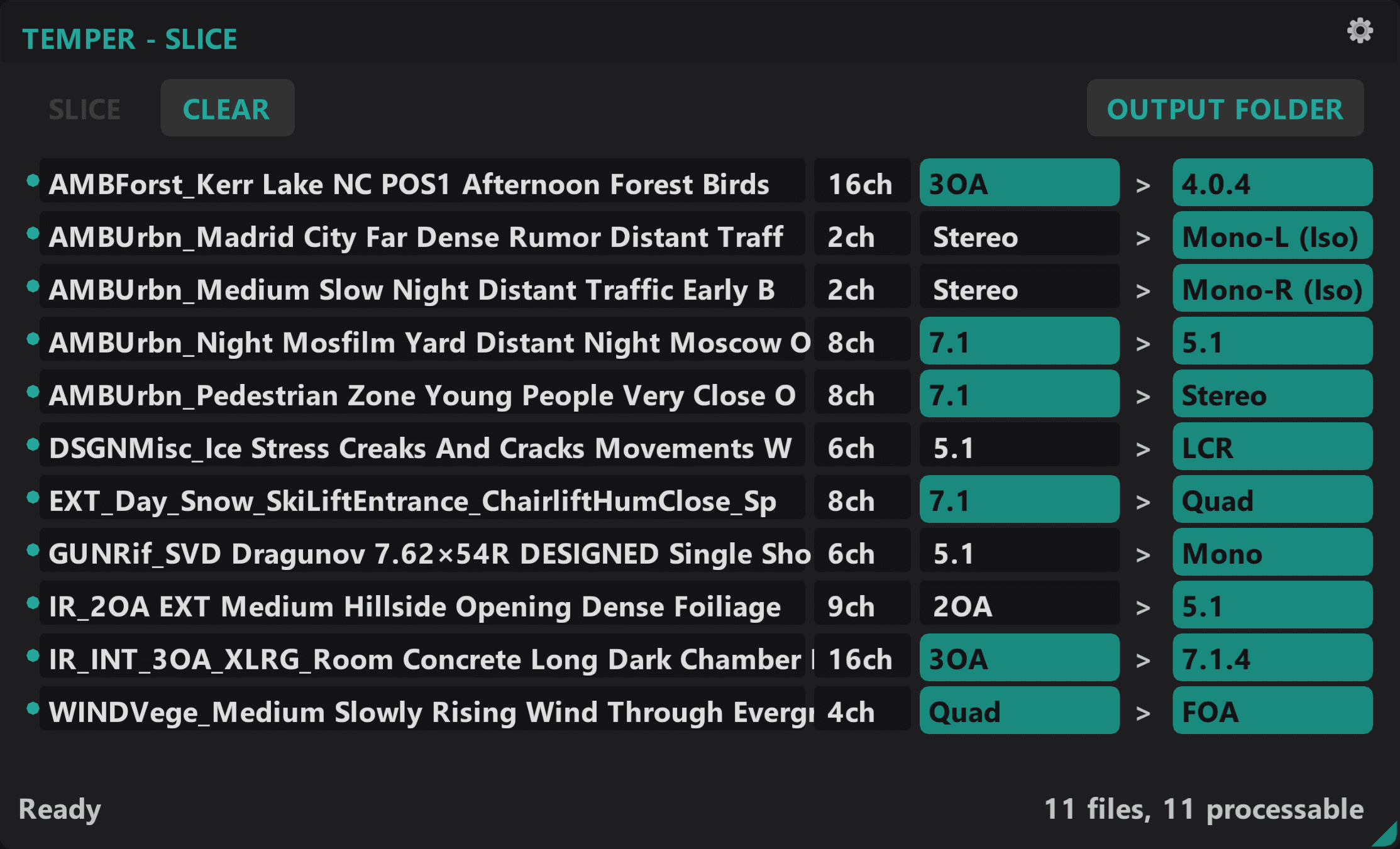
How it works
Multichannel audio converted to the format your project actually needs, with the accuracy the standards require.
Downmixes the math gets right
ITU-R BS.775 compliant fold-down from 5.1, 7.1, 7.1.4, and beyond. Use the preset coefficients or override them. Either way the numbers are correct.
Pull individual channels cleanly
Extract any channel from a multichannel source, with energy-preserving attenuation so the isolated signal keeps its level.
Ambisonic decoding built in
Convert AmbiX, N3D, and FuMa up to 5th order into any speaker layout you target. Max-rE weighted decode, no external tools.
Batch by default
Drop a folder, let Slice auto-detect formats and channel counts, and convert everything in one pass with color-coded status along the way.
How it works
Drop multichannel WAV files. Slice detects format and channel count automatically.
Choose your target format and conversion mode: downmix or isolate.
Convert. Output files preserve bit depth and metadata.
Requirements
- Windows 10 or 11
- REAPER 7.x or later
- ReaImGui extension
- js_ReaScriptAPI extension
- SWS Extension
Slice
Also available as part of the Temper Bundle.
Actively developed and supported. Found a bug? Report it and it gets fixed.