Find the right tool for your workflow
One-time purchase. No subscription. No account required.
 |  |  |  |  |  |  |  |  |  |  | |
|---|---|---|---|---|---|---|---|---|---|---|---|
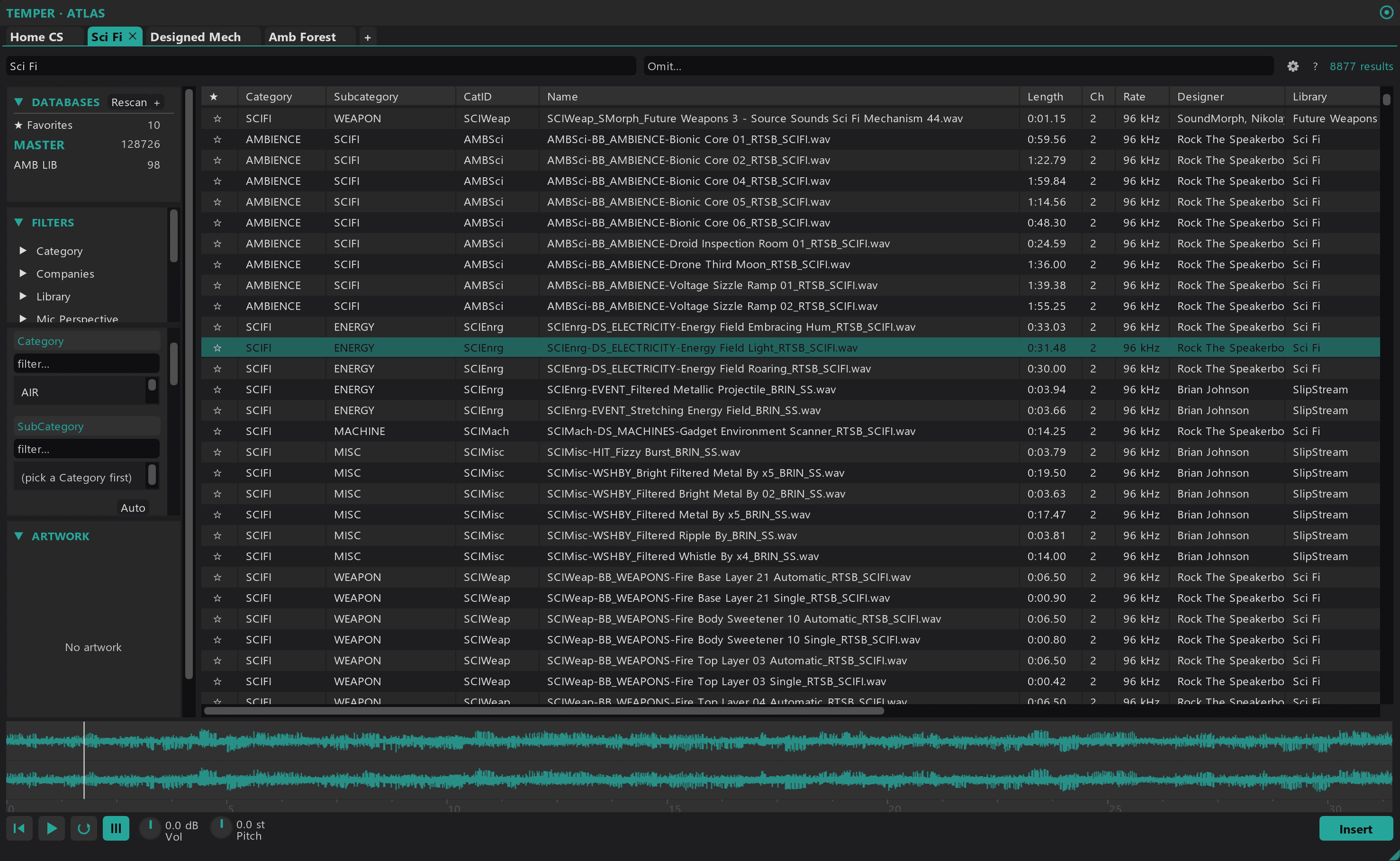
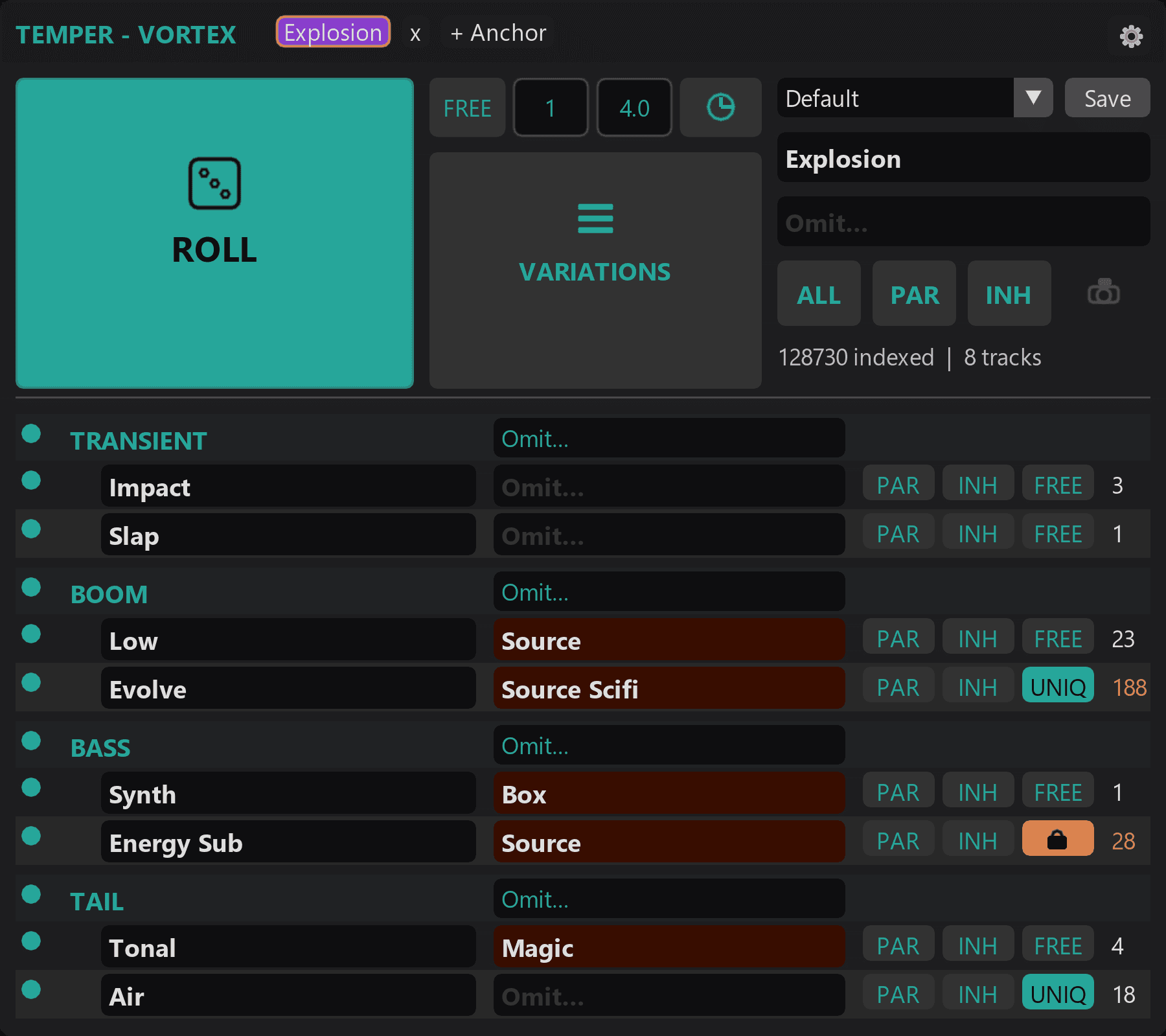
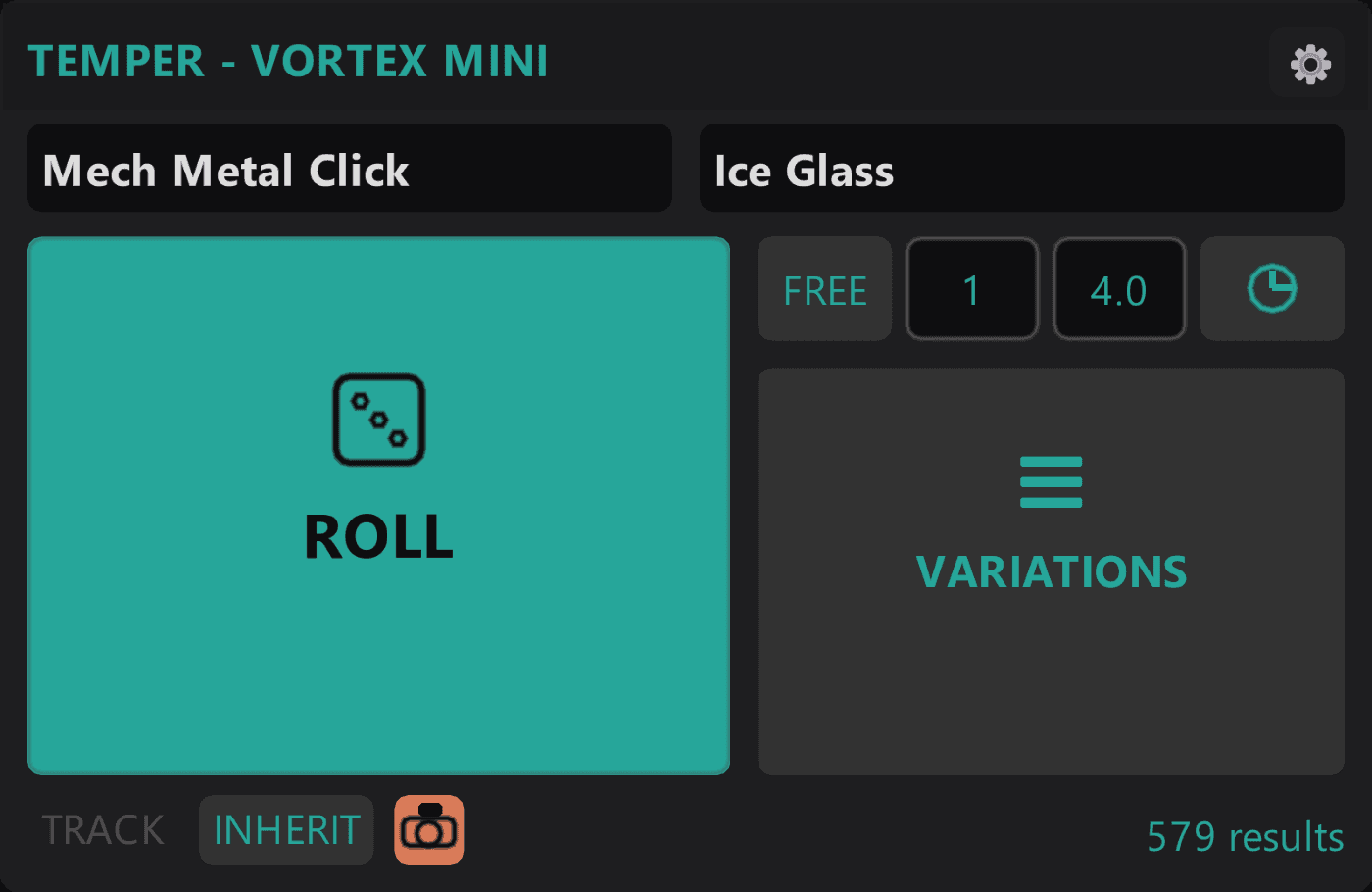
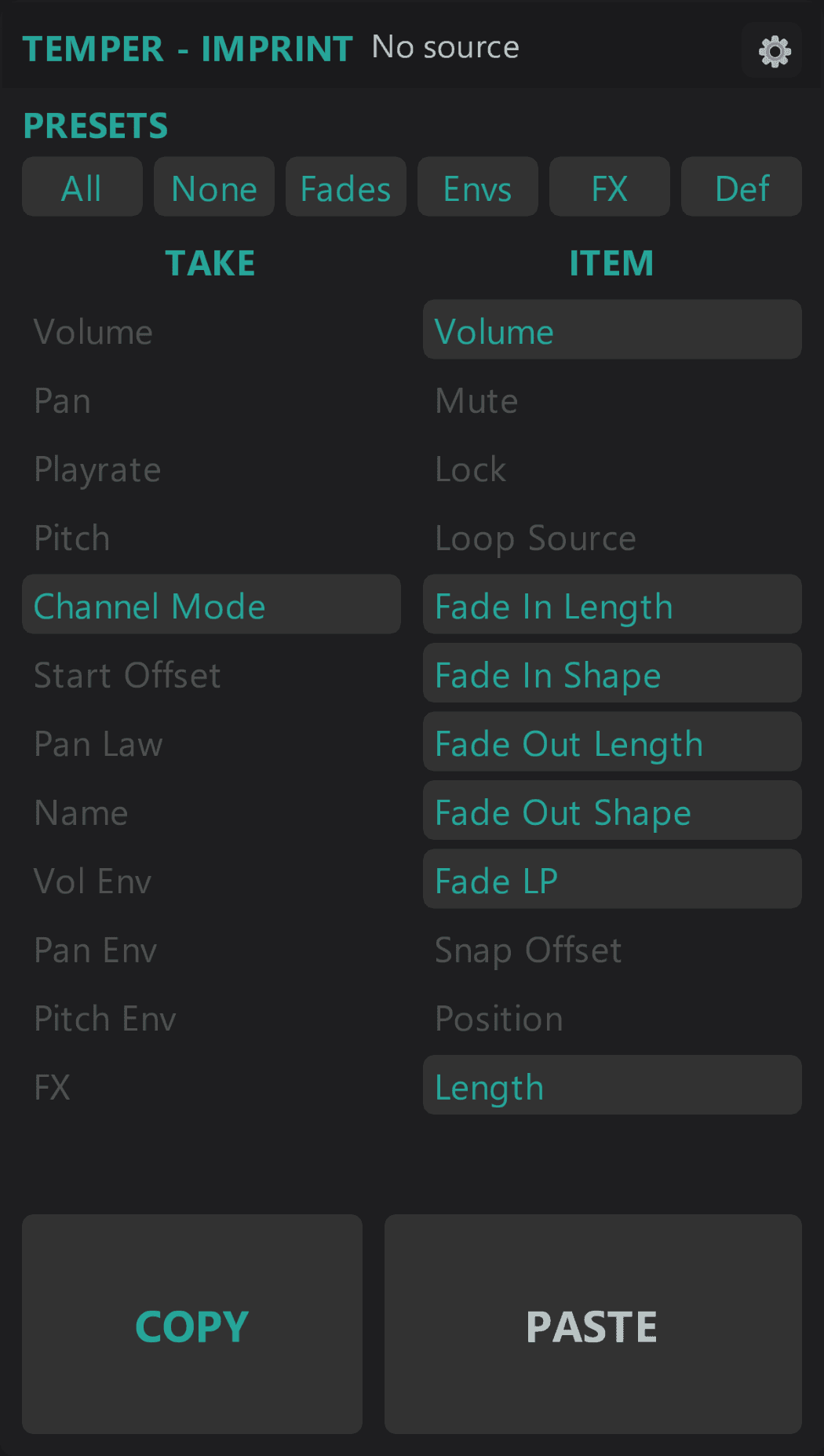
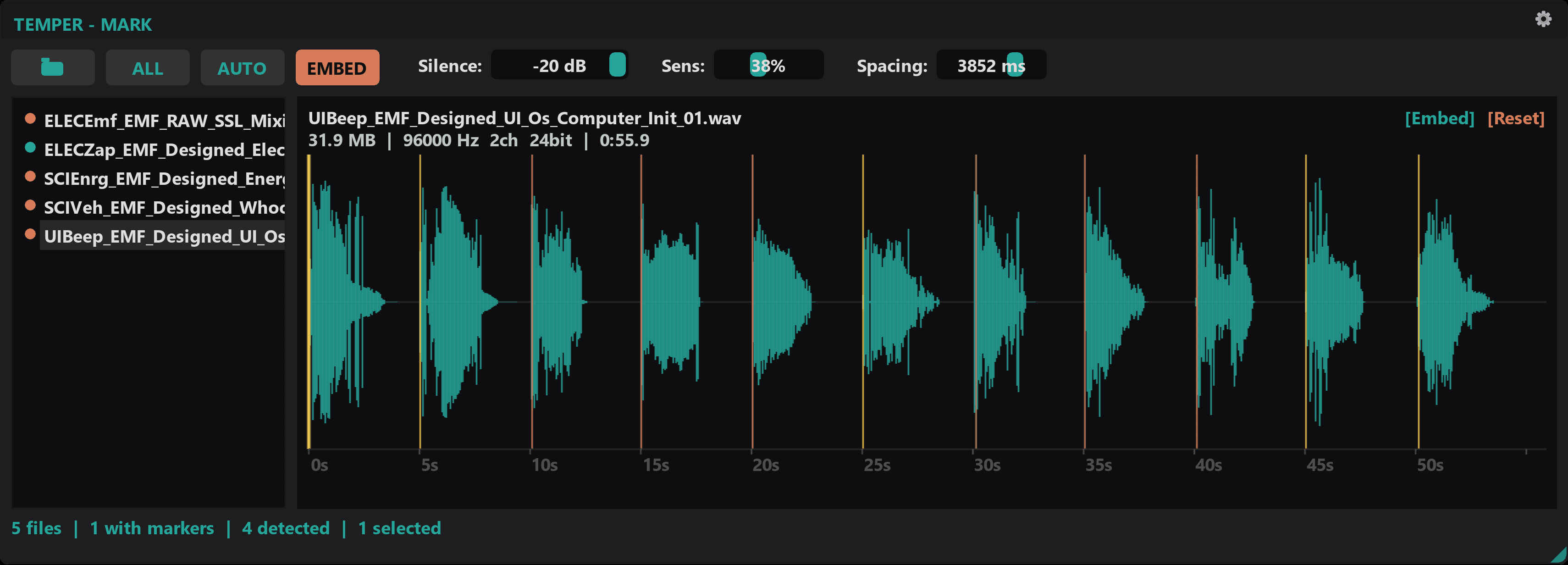
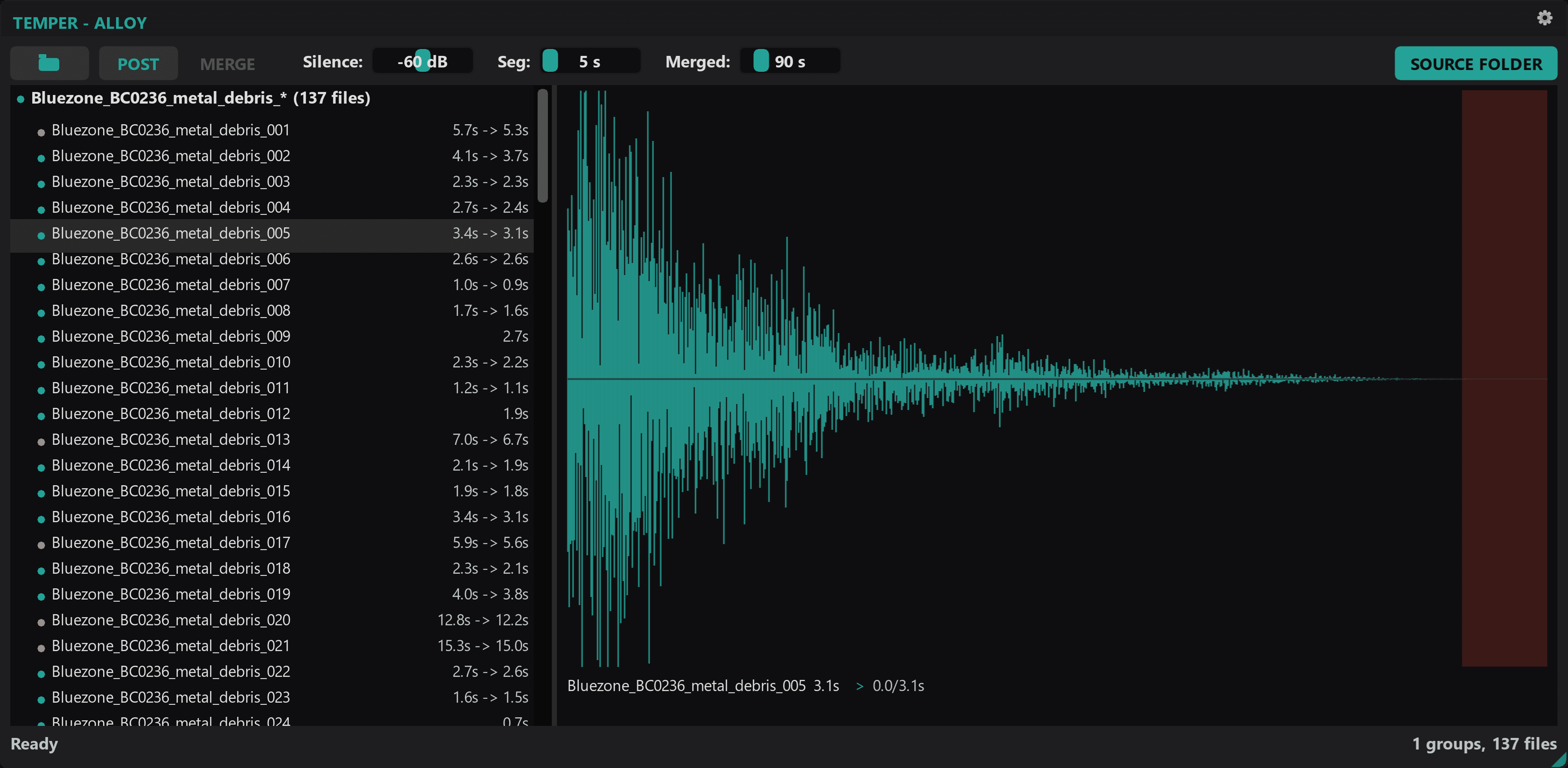
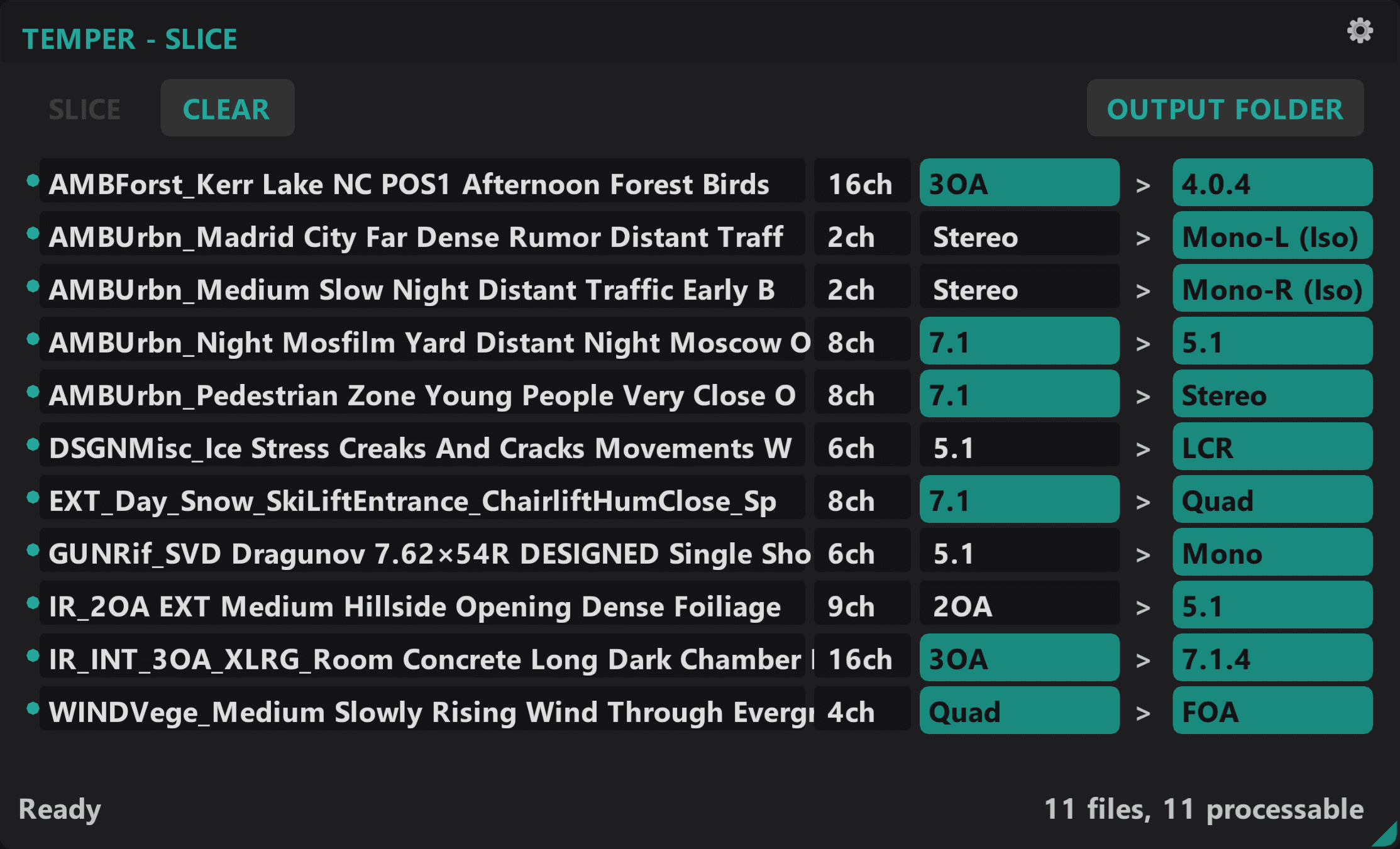
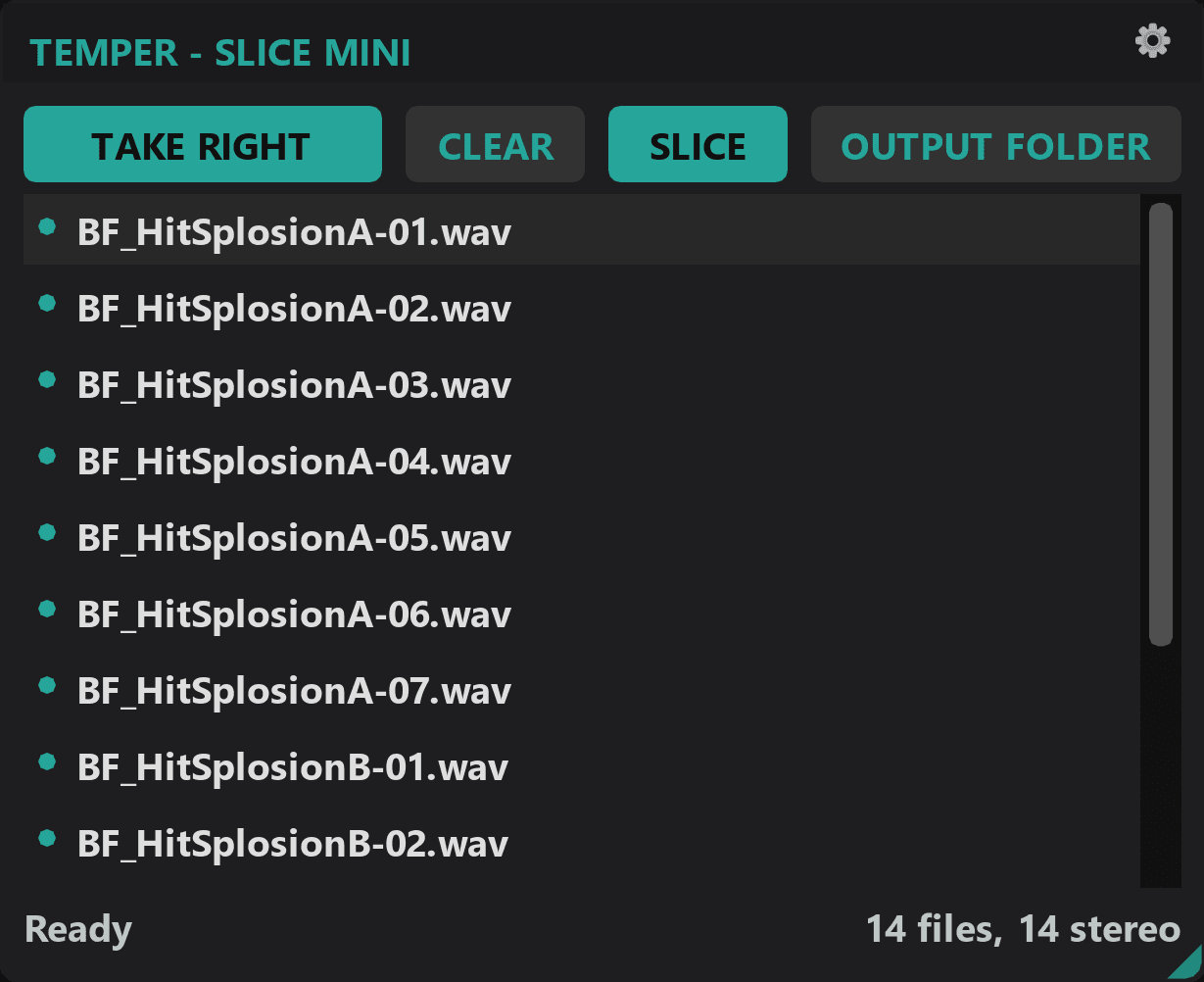
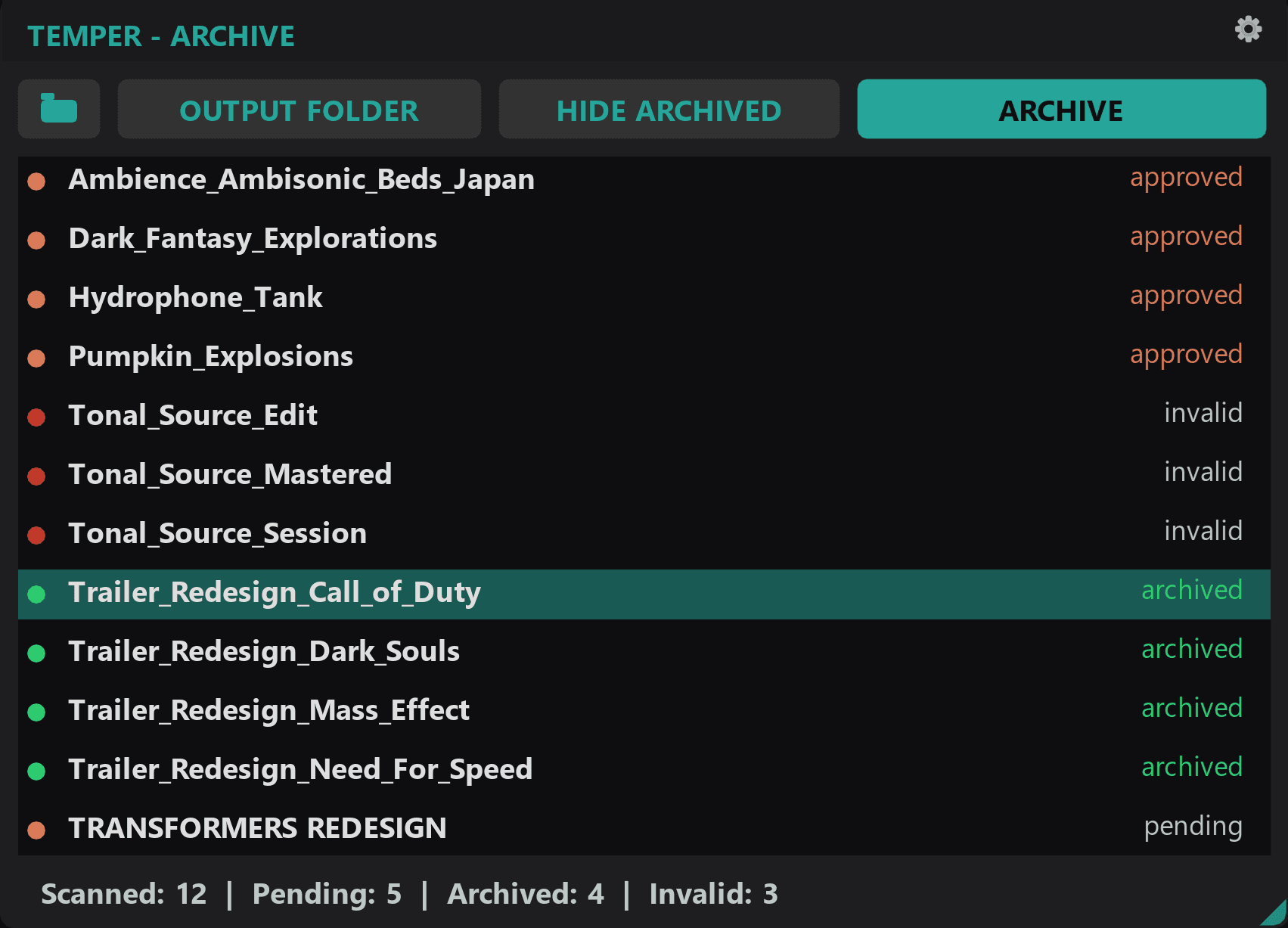
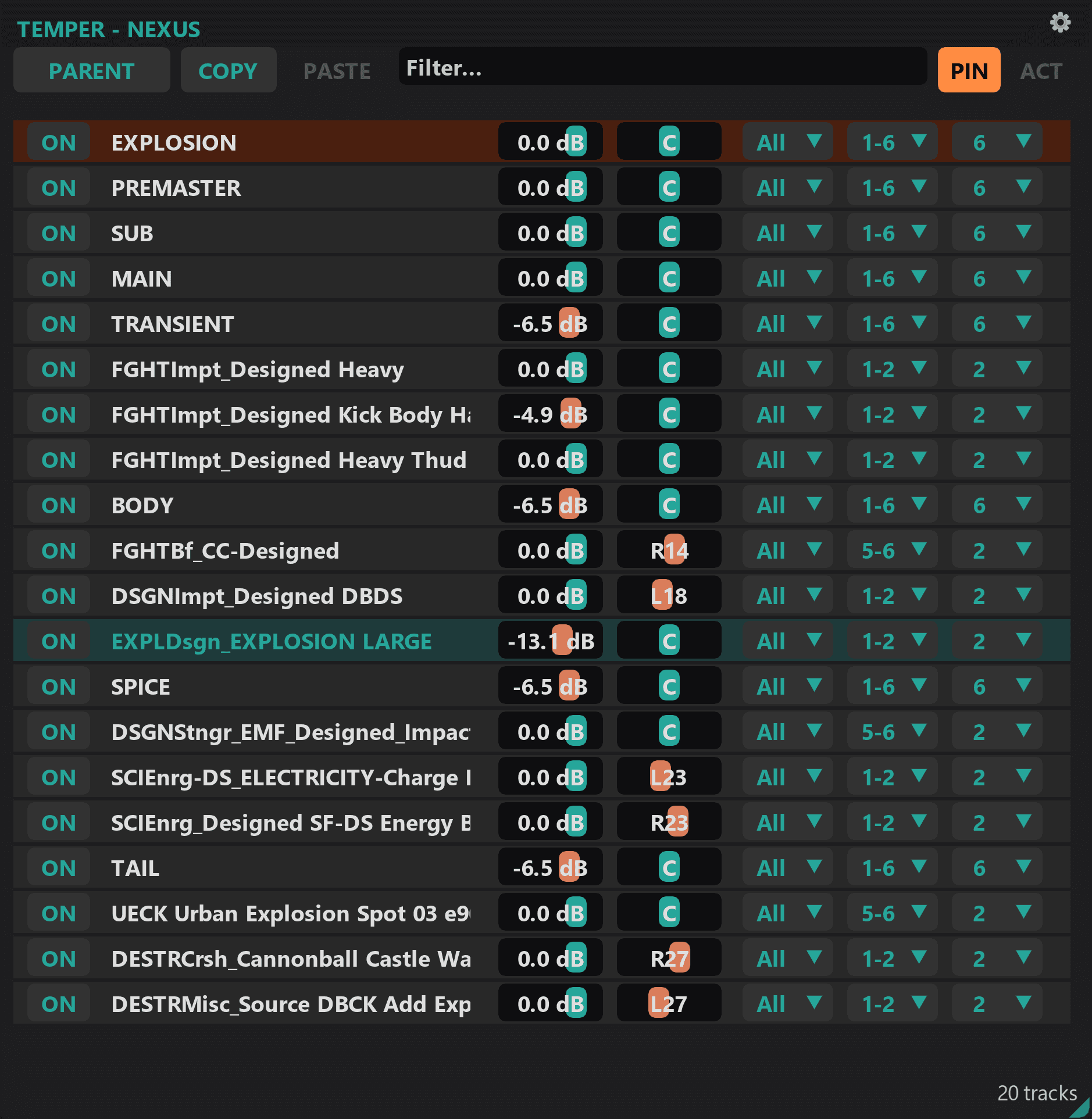
| What it does | Search, audition, and drag sounds from your libraries without leaving REAPER. | Randomize sample layers across multi-track structures. | Randomize a single item with zero setup. | Capture and apply item/take properties selectively. | Detect transients and embed markers into WAV files. | Rolling audio buffer you extract from after the fact. | Group WAV variants by naming pattern and merge them into consolidated files with cue markers. | Batch-convert multichannel WAV files between speaker formats with ITU-standard downmix and ambisonic decode. | Convert stereo WAV files to mono: left channel, right channel, or downmix. | Batch-compress project folders into verified .zip archives. | Edit sends, receives, hardware outs, and parent routing across tracks from one window. |
| Best for | Sound designers with large libraries who want to find by intent, not by filename. | Complex sessions with folder-track groups and multiple child layers. | Quick iteration on individual tracks. Ad hoc sound swaps. | Controlling which properties transfer during randomization or manual copy-paste. | Library preparation. Batch marker embedding for sample collections. | Improvisation, live processing, and the happy accidents you didn't record. | Post-production library assembly. Turning variant collections into finished deliverables. | Post-production delivery. Converting surround and ambisonic masters to stereo or other target formats. | Delivering mono assets from stereo sources. Quick file conversion. | End-of-project archival. Safely storing hundreds of session folders. | Complex sessions where routing changes need to apply to many tracks at once. |
| Setup needed | Point it at your MediaDBs, or build one from a folder of sounds. | Folder track structure with child tracks. | None. Select an item and launch. | None. Toggle properties and capture. | None. Point at a folder. | None. Open and play. | None. Point at a folder. | None. Drop files and choose a target format. | None. Select files and convert. | None. Pick source and destination folders. | None. Select tracks and launch. |
| Works with | Standalone. Reads and writes iXML metadata any tool can use. | Imprint (property inheritance), Mark (prepared libraries). | Imprint (property inheritance). | Vortex and Vortex Mini (feeds property state). | Standalone. Prepared files improve Vortex/Mini results. | Standalone. Captures anything that reaches the master bus. | Mark (prepared files feed into Alloy consolidation). | Slice Mini (simpler stereo-to-mono), Alloy (consolidated outputs). | Standalone utility. | Standalone. Archives any REAPER, Pro Tools, or general project folder. | Standalone. Pairs well with any multi-track workflow. |
| Price | $24.99 | $14.99 | $9.99 | $11.99 | $7.99 | $7.99 | $8.99 | $9.99 | Free | $6.99 | $9.99 |
| Get Atlas | Get Vortex | Get Vortex Mini | Get Imprint | Get Mark | Get Recall | Get Alloy | Get Slice | Get Free | Get Archive | Get Nexus |
Frequently asked questions
- Do I need to renew my license?
- No. Every purchase is a one-time payment. Minor version updates are included for the life of the script.
- What version of REAPER is required?
- REAPER 7.x or later, on Windows 10 or 11.
- What happens if a REAPER update breaks a script?
- We patch it. Scripts are maintained against current REAPER releases.
- Can I use the script on multiple machines?
- Yes. A per-seat license covers personal use across your own machines.
- How do I install after purchase?
- You'll receive a license key by email. Install via ReaPack or direct download.
Questions? Contact us