REAPER Script · Library Assembly
Alloy
Group and merge WAV variants into consolidated files with embedded cue markers.
Also available as part of the Temper Bundle.
How it works
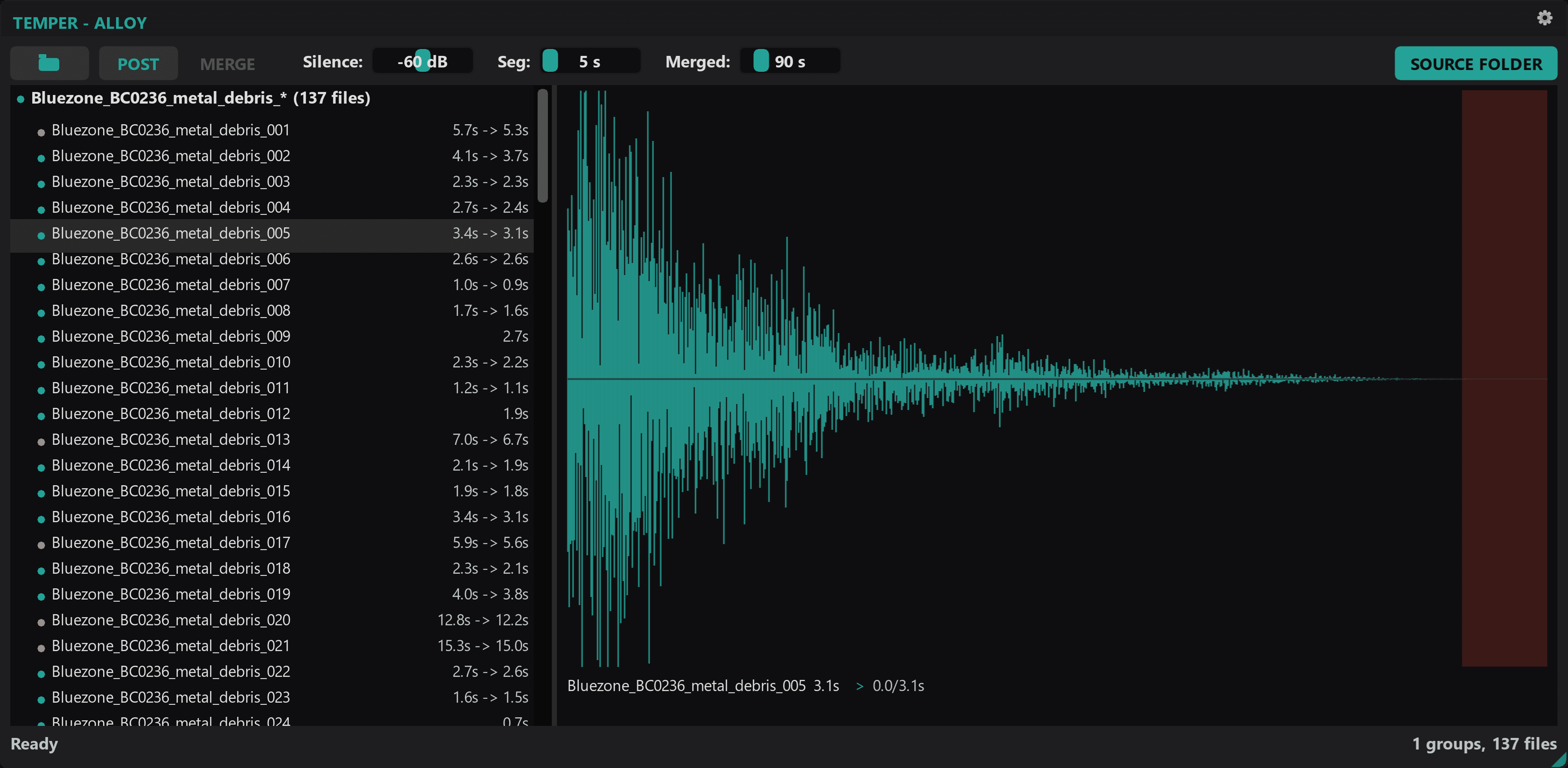
Group, trim, and merge your WAV variants into a single file per set, with cue markers at every variant boundary so each one can still be triggered individually.
Variants grouped for you
Point at a folder and Alloy reads the filenames to cluster variants together. Hundreds of files become a handful of groups in seconds.
Trim silence with your eyes open
Four trim modes and visible silence regions on the waveform. Adjust thresholds and see exactly what gets cut before you commit.
One file, every variant intact
Merges each group into a single consolidated WAV with cue markers at every boundary.
Full waveform visibility
Zoom, pan, and layered overlays for existing markers, silence regions, and playhead. You can see the whole picture while you decide.
How it works
Open a folder of WAV variants. Alloy scans and groups them by naming pattern.
Review groups. Adjust silence trim. Preview waveforms.
Merge. Consolidated files with cue markers, ready for production.
Requirements
- Windows 10 or 11
- REAPER 7.x or later
- ReaImGui extension
- js_ReaScriptAPI extension
Alloy
Also available as part of the Temper Bundle.
Actively developed and supported. Found a bug? Report it and it gets fixed.